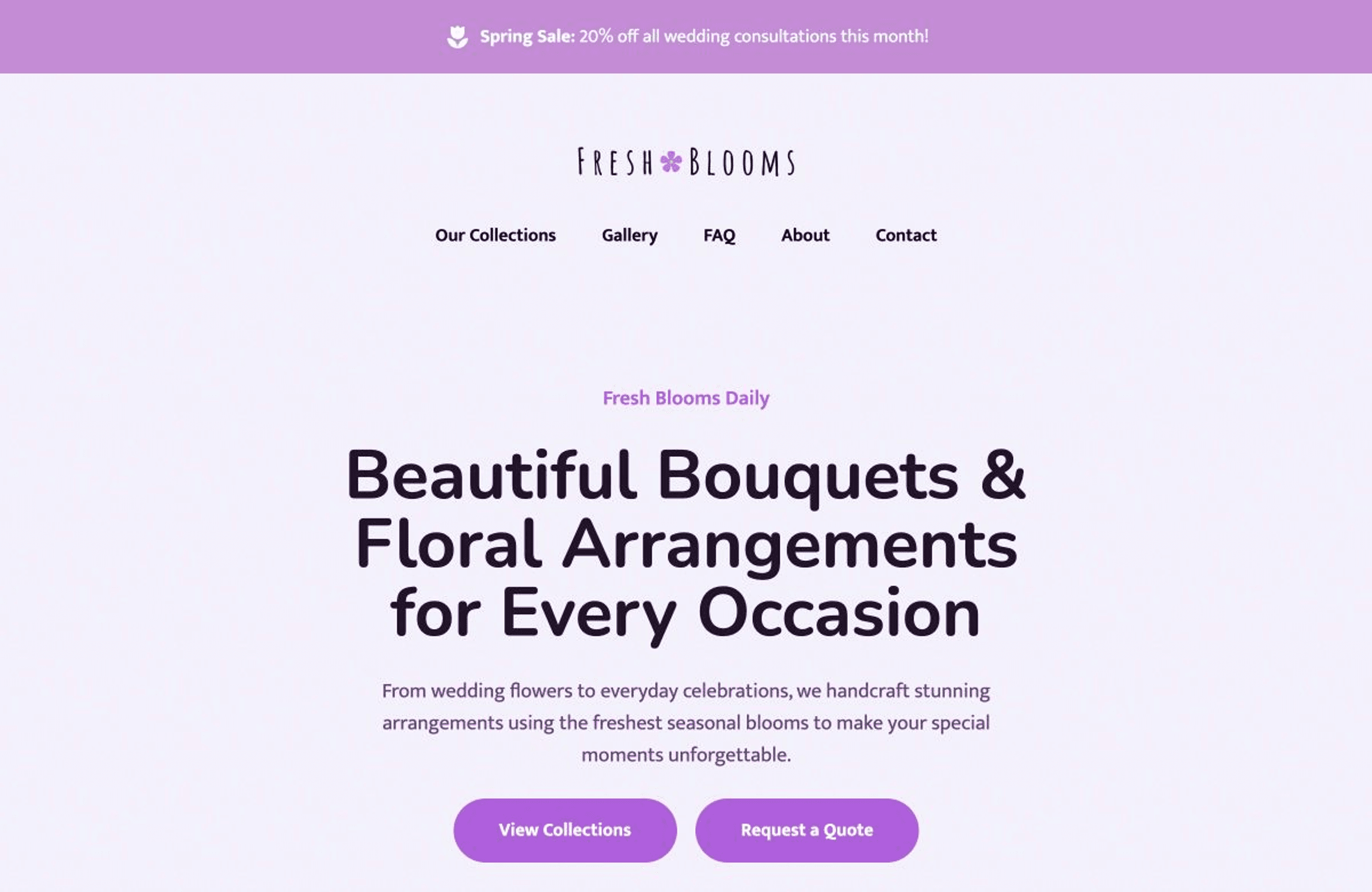
Show your floral arrangements, explain occasions and delivery coverage, and help customers contact your flower shop.
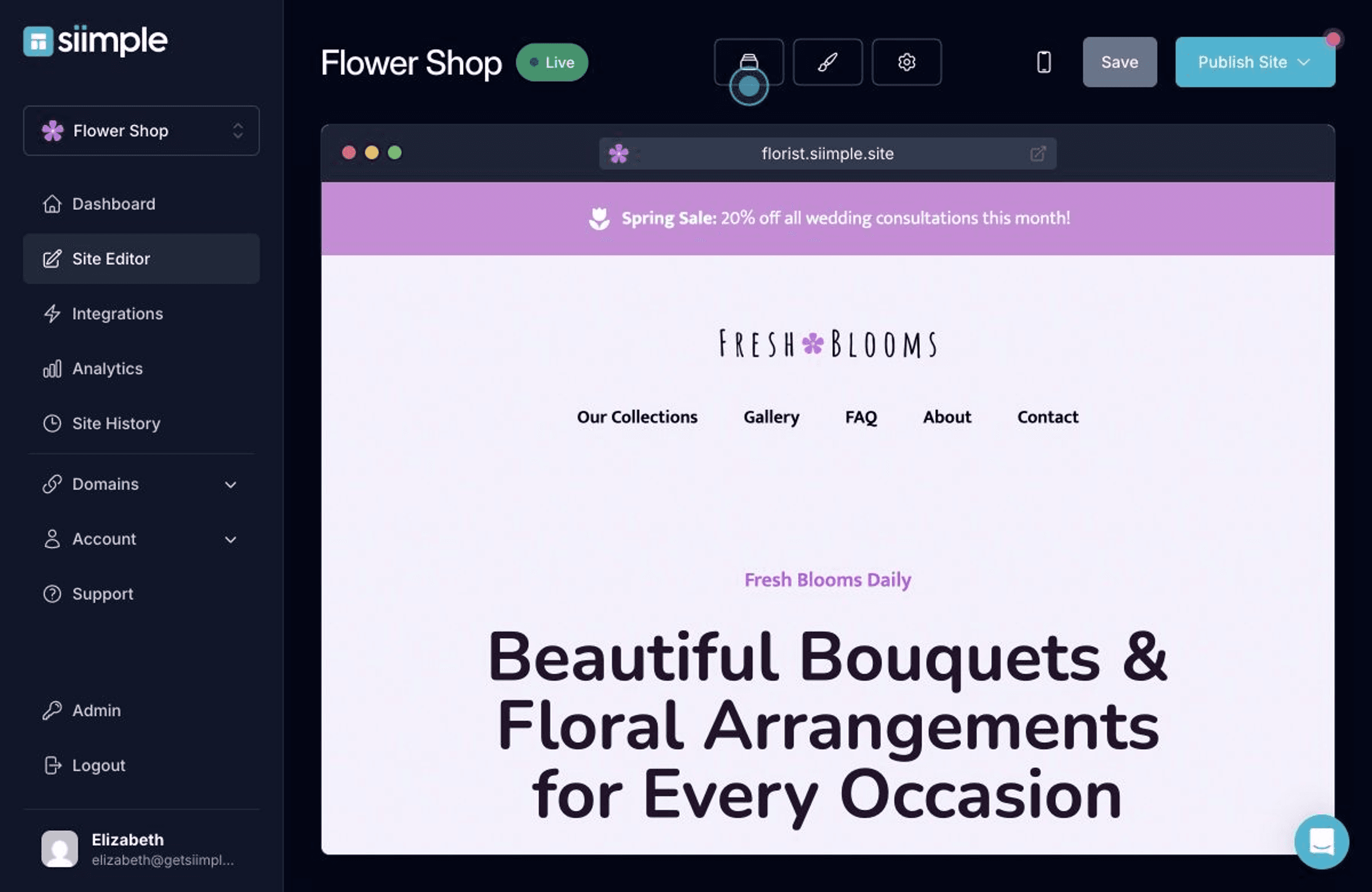
Customers choosing flowers often have an occasion in mind before they know what to order. We help you show your style and explain how your shop approaches everyday orders, events, and special requests.
According to NRF’s 2025 Mother’s Day Spending Survey, 74% of celebrants planned to give flowers. For florists, seasonal demand can pass you by when delivery details are hard to find. We help your website show arrangements, service areas, and ordering information while customers are deciding how to mark the occasion.
Feature arrangements for the occasions you serve
Explain delivery areas, collection, and ordering deadlines
Describe wedding or event consultations and inquiries
We pair your floral photography with the information customers need to plan an order. Visitors can discover your arrangements and reach the appropriate ordering or consultation service.
Simple’s website templates are designed specifically for small business owners who don’t want to fuss with tech or spend unnecessary amounts of money to get a professional result and it’s backed by two decades of research on what actually makes visitors convert to customers for your small business.
Just click to use and customize the demo content!
Leave the tech to us and never worry about downtime.
Build for free, one low price when you’re ready to launch.
Use one of free domain names or use your own URL.
I’m very grateful I chose Siimple Co to bring my website idea to life. Their templates are tasteful, clean, beautiful, and incredibly easy to work with. I was able to add everything I wanted, even my video, without any stress.
The best part, though, is their customer support. It was fast, patient, and incredibly helpful. I’m not very technical, but I truly felt like someone was sitting right next to me, guiding me whenever I got stuck. What a wonderful team!
I highly recommend Siimple Co to anyone who wants to build their own website. Both the mobile and PC versions look great, and I’m very happy with the final result.
It takes less than one hour to launch your fully finished website with Siimple. Here’s how:

Start by exploring the pre-made one-click templates on Siimple. These are tailored for various industries, including restaurants, salons, and consultants and more. All templates come pre-loaded with demo content and essential sections specific to your use-case. These are based on best practices and designed to convert visitors into customers.
View Templates →
After selecting a template, your site editor will open. This is where you can make all your customizations:
Siimple’s tools make it simple to add your content with the help of AI to assist with writing copy and thousands of stock photos and icons already loaded in for you.

A custom domain (e.g., www.yourbusiness.com) adds professionalism and builds trust. Siimple’s step-by-step guide ensures you can connect your domain quickly or purchase a new one if you don’t have one already! With just a few clicks you’ll be live and attracting more of the right customers to your florist.
Thank you so much, you guys definitely have great templates. I'm a long time user of Wix for my other business and this blew them waaaay out of the water lol
Important things everyone should know about creating their florist website
No, you don’t need any technical skills! Platforms like Siimple are designed for anyone, regardless of skill level or technical expertise.
Yes, you can! You can point a domain you already own or purchase a new one directly from us. We do not charge a fee for purchasing a domain name; this is paid directly to the registrar.
Siimple sites are just one low price of $10 per month ($8 if you pay for the year) this includes all features, hosting and support. (No confusing payment tiers, no hidden fees).
Yes, web hosting is included.
No, Siimple is a one-page website builder and does not support creating multiple pages or a blog. You can add multiple distinct sections to your page. It’s perfect for those looking for a simple and effective online presence.
Siimple does not offer blogging features, just one-page websites.
Yes. You can connect an existing Shopify store, feature selected products on your Siimple website, and send shoppers to Shopify to complete their purchase. Imported listings are editable copies; prices and inventory do not continuously sync. Update your Siimple listings when products change.
Yes. You can embed a Luma calendar on your Siimple site so visitors can discover upcoming events and register for them. For other calendar or booking services, you can add links or buttons to your booking page. Siimple also includes a contact form so customers can reach out for appointments by email.
Yes, you can cancel your subscription at any time. There are no contracts or hidden fees.
If you cancel your subscription, your website will be taken offline, but your site and its content will remain. You can reactivate your subscription at any time to bring your site back online.
You can host as many sites as you'd like! The same pricing applies to each site you create.
You can build your Siimple site for free and try out any template! When you’re ready to publish you’ll pay just $8 a month.
No credit card required.