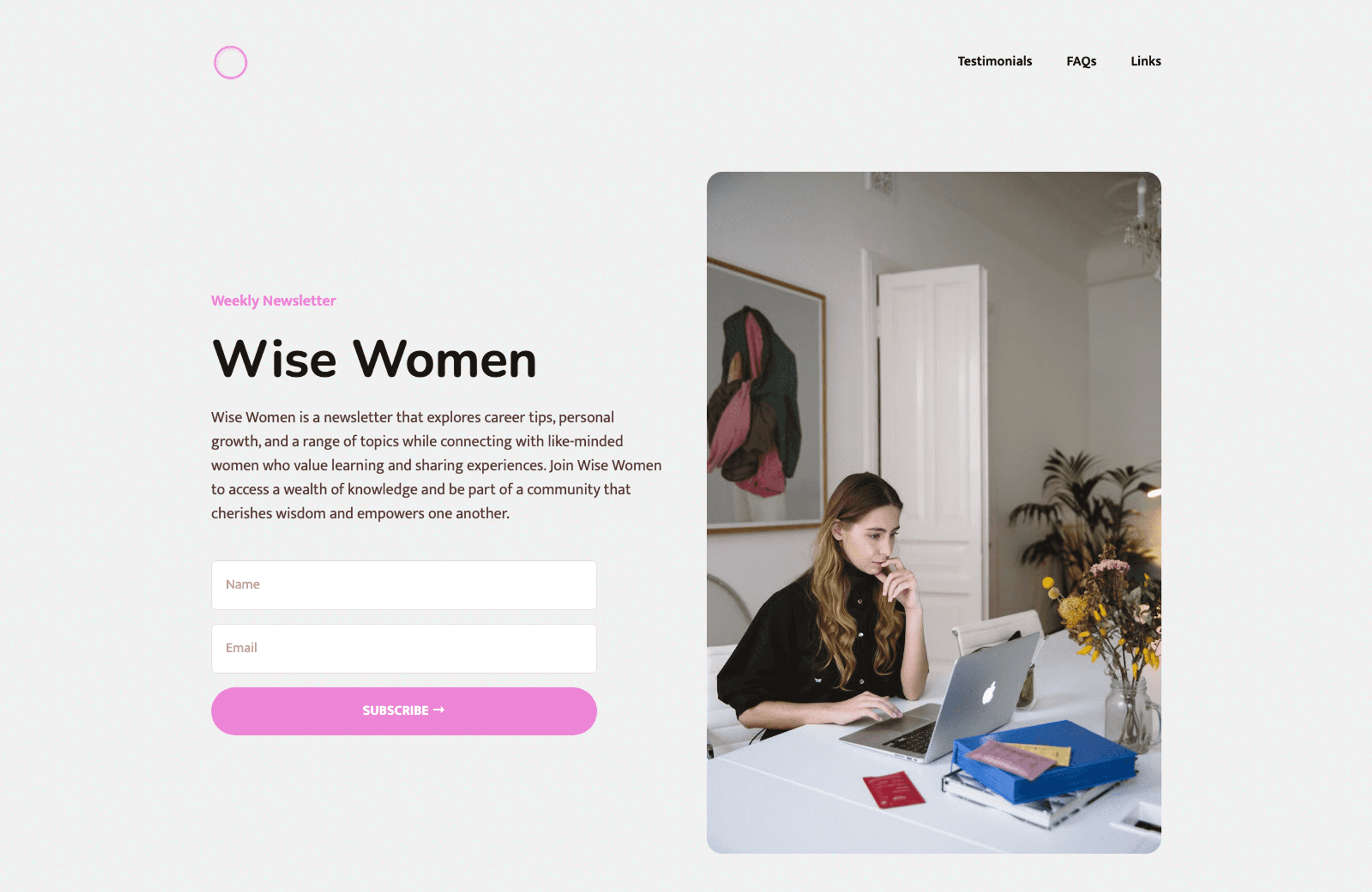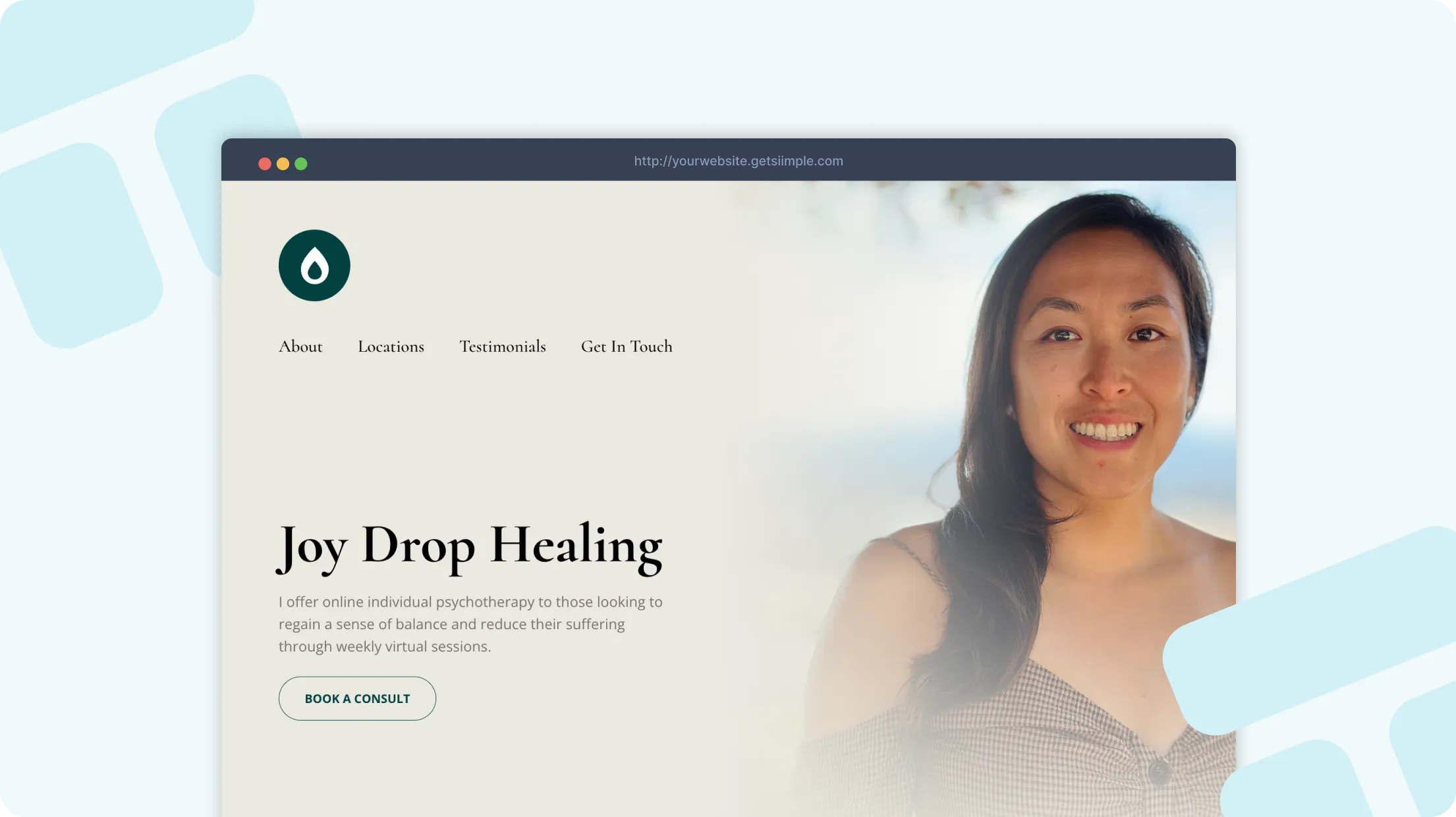
Everything you need to launch a professional, one-page website for your newsletter brand. No technical or design skills are required.
We've worked with so many newsletters who feel the same pressure: deliver excellent work, stay responsive, and keep growth moving without wasting time on complicated tools.
Most tell us they tried website builders that looked simple at first but quickly became a drain on time, money, and momentum. They wanted a newsletter brand website that felt professional and actually helped people take action.
That's exactly why we built Siimple. We designed it so newsletters can launch quickly, communicate value clearly, and turn more visitors into real conversations and customers.
According to a Small Business Survey, businesses that maintain an active online presence are 50% more likely to attract new clients. For newsletters, that can be the difference between being compared and being chosen. A clear, credible website is no longer optional - it's a growth asset.
A high-converting newsletter website builds trust in seconds and makes the next step obvious for visitors.
Clearly explain your value proposition, archive highlights, and signup flow
Showcase topic authority and subscriber trust
Make it easy for people to subscribe without second guessing
In this guide, we'll show you how to launch a polished website for your newsletter brand with Siimple:
Set up your website with one click
Customize your design and branding quickly
Write persuasive copy with AI support
Publish fast and start attracting better leads
Simple’s website templates are designed specifically for small business owners who don’t want to fuss with tech or spend unnecessary amounts of money to get a professional result and it’s backed by two decades of research on what actually makes visitors convert to customers for your small business.
Just click to use and customize the demo content!
Leave the tech to us and never worry about downtime.
Build for free, one low price when you’re ready to launch.
Use one of free domain names or use your own URL.
Great company. Their customer service is excellent, their live chat feature is very convenient, their website building tool is easy to use and its affordable.
It takes less than one hour to launch your fully finished website with Siimple. Here’s how:

Start by exploring the pre-made one-click templates on Siimple. These are tailored for various industries, including restaurants, salons, and consultants and more. All templates come pre-loaded with demo content and essential sections specific to your use-case. These are based on best practices and designed to convert visitors into customers.
View Templates →
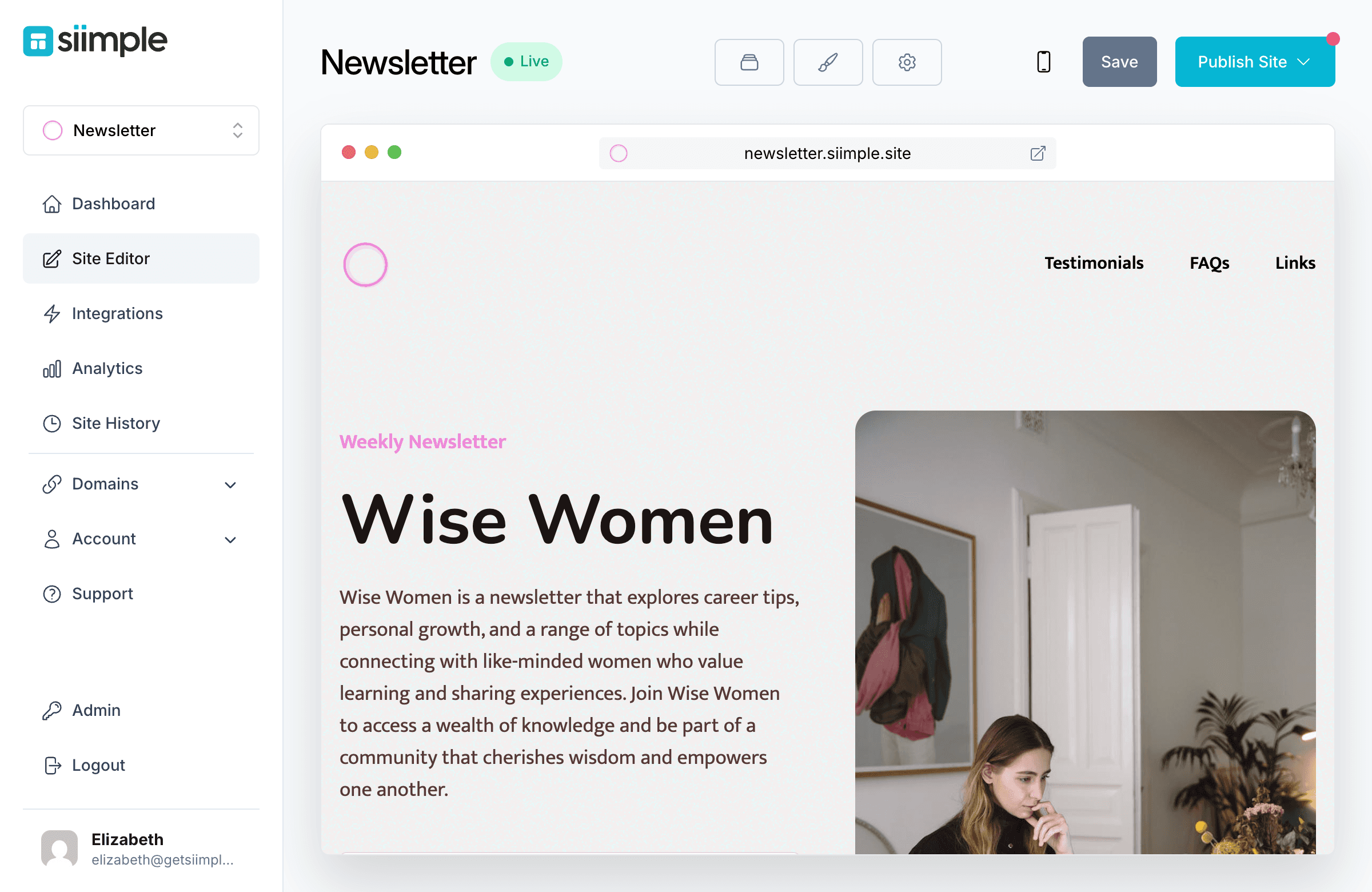
After selecting a template, your site editor will open. This is where you can make all your customizations:

Siimple’s tools make it simple to add your content with the help of AI to assist with writing copy and thousands of stock photos and icons already loaded in for you.

A custom domain (e.g., www.yourbusiness.com) adds professionalism and builds trust. Siimple’s step-by-step guide ensures you can connect your domain quickly or purchase a new one if you don’t have one already! With just a few clicks you’ll be live and attracting more of the right customers to your newsletter.
Thank you so much, you guys definitely have great templates. I'm a long time user of Wix for my other business and this blew them waaaay out of the water lol
Important things everyone should know about creating their newsletter website
No, you don’t need any technical skills! Platforms like Siimple are designed for anyone, regardless of skill level or technical expertise.
Yes, you can! You can point a domain you already own or purchase a new one directly from us. We do not charge a fee for purchasing a domain name; this is paid directly to the registrar.
Siimple sites are just one low price of $10 per month ($8 if you pay for the year) this includes all features, hosting and support. (No confusing payment tiers, no hidden fees).
Yes, web hosting is included.
No, Siimple is a one-page website builder and does not support creating multiple pages or a blog. You can add multiple distinct sections to your page. It’s perfect for those looking for a simple and effective online presence.
Siimple does not offer blogging features, just one-page websites.
No, Siimple does not include e-commerce functionality. If you need to sell products online, you may need a different platform.
Yes. You can embed a Luma calendar on your Siimple site so visitors can discover upcoming events and register for them. For other calendar or booking services, you can add links or buttons to your booking page. Siimple also includes a contact form so customers can reach out for appointments by email.
Yes, you can cancel your subscription at any time. There are no contracts or hidden fees.
If you cancel your subscription, your website will be taken offline, but your site and its content will remain. You can reactivate your subscription at any time to bring your site back online.
You can host as many sites as you'd like! The same pricing applies to each site you create.
You can build your Siimple site for free and try out any template! When you’re ready to publish you’ll pay just $8 a month.
No credit card required.
Important things everyone should know about creating their newsletter website